Product selection
White-Label Resume Builder: How to Launch Your Own Branded Website
Plan a white label resume builder website with your own brand, clear customer access and a tested WordPress editing and support workflow.
A white label resume builder lets you offer a resume workspace under your own customer-facing brand, within the product’s license. The important work is making the whole journey coherent: the homepage, registration, editor, dashboard, emails and paid access should all explain the same service.
Choose the service behind the brand
Decide whether the site is a standalone resume tool, part of a coaching package or a preparation portal with optional human review. The choice affects onboarding, pricing and support.
A branded resume builder should communicate a concrete customer result. “Prepare a resume for your next application” is clearer than an unexplained collection of AI features. If the audience is specialized, use examples and guidance that reflect its actual needs.
Audit the complete brand journey
| Surface | What to verify |
|---|---|
| Marketing pages | Logo, clear offer and real product images |
| Account pages | Readable labels, verification messages and recovery instructions |
| Customer dashboard | Understandable navigation and relevant enabled tools |
| Editor and export | Realistic content, readable layout and clear access rules |
| Emails | Correct brand, sender identity and useful links |
| Payment | Consistent plan name, billing interval and entitlement |
Check as a normal customer. An administrator account can see controls or access that a customer does not have.
Configure one useful starting experience
- Set the available brand options and customer-facing labels.
- Choose the pages and tools required for the first offer.
- Prepare a truthful fictional sample resume.
- Configure the customer access and optional review service.
- Test registration, editing, saving and the final task.
- Check emails, payment messages and support links.
If your question is “Can I add a resume builder to my website?”, this is the workflow to evaluate in the demo. A logo setting alone does not establish a complete business platform.
Decide whether you need custom presets
Brand controls and preset-design tools are different capabilities. You may be able to operate with the existing template library. If creating and publishing your own layouts is central to the offer, check which license includes the admin Template Builder.
Do not assume that changing colors in the customer editor means you can design a new template library from the administrator side. Ask for the actual workflow and plan entitlement.
Plan operations and launch
Budget for hosting, domain, updates, external services and support. Start with a small pilot and record whether users understand the offer and finish the promised task.
A white label CV builder supplies software capabilities. Your business still supplies the audience, marketing, customer relationship and any human services. Keep those responsibilities visible in the launch plan.
THE PRODUCT IN THIS GUIDE
Where WP CV Builder fits
WP CV Builder is a self-hosted WordPress plugin with Pro white-label controls, a visual customer editor and a user dashboard. The three published Pro plans cover one website each. The Template Builder Lifetime plan adds the admin preset-design tool. Hosting and connected AI services are separate from the license.
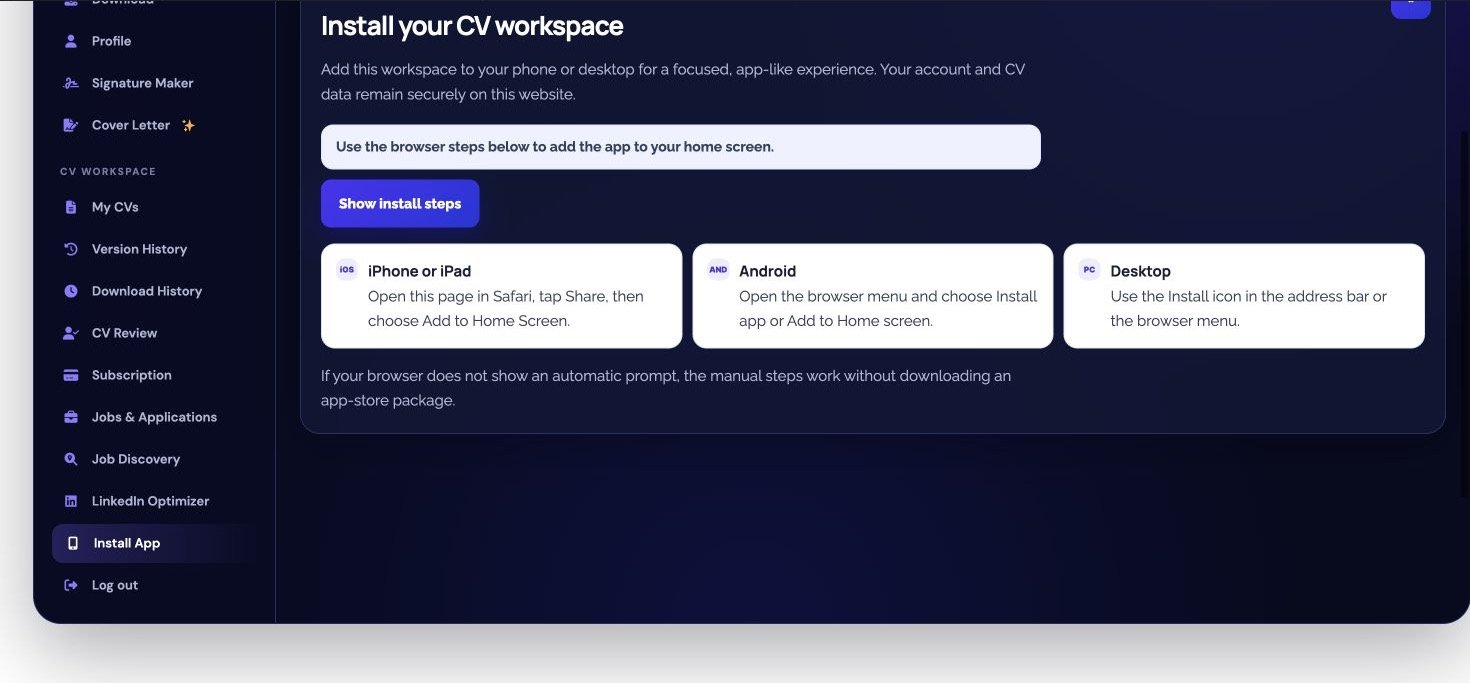
Watch the real workflow

Common questions
Can I use my own brand?
The Pro white-label controls provide customer-facing branding options. Test the complete journey to confirm the exact labels, emails and screens you intend to use.
Does the standard user editor include the admin Template Builder?
They are separate tools. The admin visual Template Builder is included in its designated plan; check the current comparison before buying.
Product information: current features, plan comparison and documentation. This guide is published by the WP CV Builder product team. Examples and calculations are illustrative unless stated otherwise.