Launch and growth
How to Make a SaaS Product Demo Video for Your Resume Platform
Learn how to make a SaaS product demo video with a real customer journey, readable screens, honest claims and useful editing decisions.
A SaaS product demo video should help a viewer understand a task they can actually complete. For a resume platform, show the path from account creation to a finished document, then explain the administrator work separately. Real screens and clear narration are more useful than a fast montage that hides the important steps.
Choose one viewer and one question
A customer tutorial answers “How do I make my resume?” An administrator tutorial answers “How do I install and operate the platform?” A short business overview answers a different question again. Trying to explain all three at the same speed can make the video difficult to follow.
When planning how to make a product demo, write the viewer’s next action at the top of the script. Keep every screen connected to that action.
Record a complete workflow
| Customer demonstration | Administrator demonstration |
|---|---|
| Registration and required verification | Installation and initial configuration |
| Dashboard orientation | Customer pages and branding |
| Entering and editing career facts | Plans, payments and access rules |
| Configured AI and signature controls | Emails, review requests and optional features |
| Preview, export and next steps | Templates, operations and support |
Demonstrate only what is configured and working. If a feature requires another provider, explain that condition.
Protect clarity and private information
- Use fictional career information and a dedicated demo account.
- Keep secrets, customer documents and private admin details out of view.
- Capture the full relevant screen without clipping controls.
- Make text readable at the final video size.
- Pause long enough to show the result of an action.
- Do not edit a failed action into an implied success.
A software walkthrough video is a product explanation, not proof that every possible configuration has been tested.
Write narration around actions and results
Say what the viewer is doing and why: “Choose a target role, review your career facts, then edit the draft before exporting.” Avoid narrating every mouse movement or using unsupported claims about job outcomes.
Separate the main user editor from the admin Template Builder. They serve different people and can have different plan entitlements. A clear demonstration prevents buyers from assuming a design tool is included in every plan.
Use the actual tutorials as reference examples
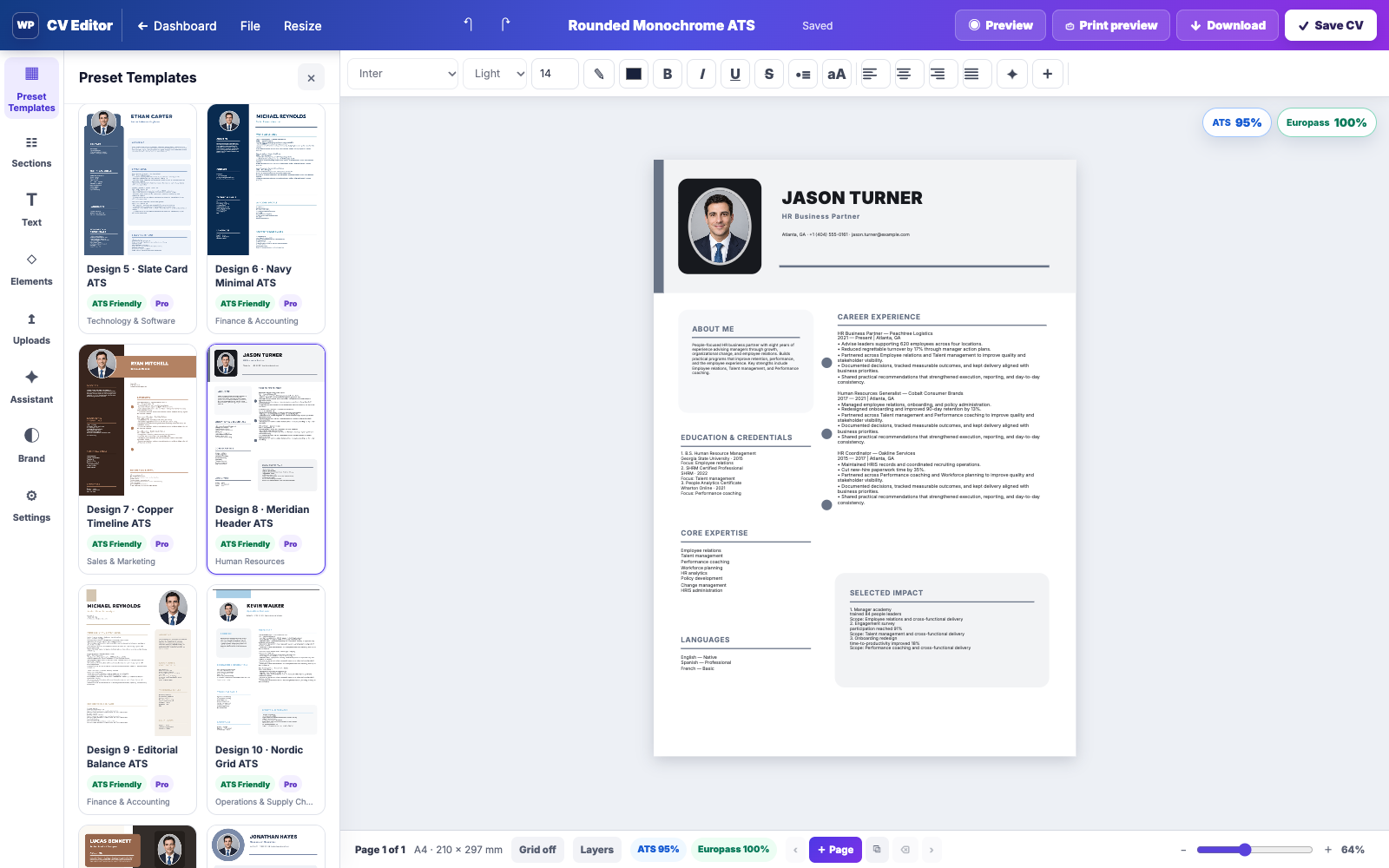
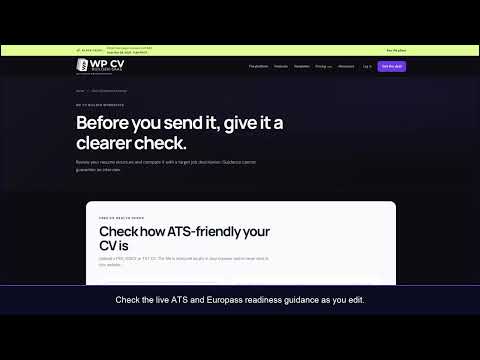
WP CV Builder’s customer tutorial and administrator tutorial show two different perspectives on the same product. Watch the complete customer journey first, then the setup and operating controls.
When comparing SaaS demo video examples, notice whether the video shows the final document and the required setup. A polished opening is not enough if the viewer never sees how the promised result is produced.
THE PRODUCT IN THIS GUIDE
Where WP CV Builder fits
The WP CV Builder user tutorial covers the customer experience, while the admin tutorial explains installation, settings, subscriptions and templates. Use them to understand the platform, then create a demonstration of your own actual configuration and service offer. Keep any AI-generated narration disclosure appropriate to where you publish.
Watch the real workflow

Common questions
Should the admin and customer tutorial be one video?
They can be separate when the audiences and tasks differ. Link them clearly so a buyer can find both perspectives.
Can I show a mock screen for an unfinished feature?
If used at all, label it as a concept. Do not present it as a real product action or completed feature.
Product information: current features, plan comparison and documentation. This guide is published by the WP CV Builder product team. Examples and calculations are illustrative unless stated otherwise.