
Costs and operations
SaaS Customer Support: A Playbook for a Small Resume Platform
Build a SaaS customer support playbook for a resume platform, covering intake, registration, AI, billing, export and clear resolution messages.
SaaS customer support is easier when each request has a clear owner, useful evidence and a next step. A small resume platform does not need a complicated help desk to begin. It does need a repeatable way to distinguish account, document, payment and technical problems without asking customers to send private information unnecessarily.
Create a small issue map
| Issue | Useful first check | Support boundary |
|---|---|---|
| Registration or verification | Exact message and the step reached | Never ask for the account password |
| Editing or saving | Action, device and whether work reopened | Use fictional content to reproduce where possible |
| AI output | Whether it failed or produced unsuitable wording | Do not request provider secrets from a customer |
| Billing | Order reference and current access state | Do not collect full card details |
| Export | Preview, file type and missing content | Request only necessary document details |
Ask for evidence that helps reproduction
A useful request asks what the user expected, what happened, the step they took and the device or browser involved. A screenshot can help when private content is removed or appropriately handled.
For small SaaS support, avoid turning every issue into a full document upload. A short error message or a fictional example may be enough to reproduce a layout problem.
Use plain-language status messages
Example acknowledgment: “We received your export report. Please tell us which template you used and whether the missing section is visible in preview. You do not need to send your password.”
Example update: “We reproduced the issue with a long job title. We are checking the export layout. Your current saved resume is still available in the dashboard.” Use the second sentence only after verifying that it is true.
Example resolution: “The layout fix is installed. Please reopen the preview and export again. Let us know if the same section is still missing.”
Document recurring questions
- How to create and verify an account
- Where saved work appears
- What the current customer plan includes
- How an optional human review is delivered
- What AI assistance requires and why facts need review
- How to preview, export and report a problem
These are practical SaaS support best practices: explain the task where users encounter it and improve the page when the same question repeats.
Review support alongside onboarding
Software customer onboarding and support should share what they learn. If many people misunderstand a button, rewrite the label. If billing questions repeat, check the plan page and checkout together.
Keep a technical escalation route and a rollback process for changes. A support answer should distinguish what you observed, what you changed and what still needs customer confirmation.
THE PRODUCT IN THIS GUIDE
Where WP CV Builder fits
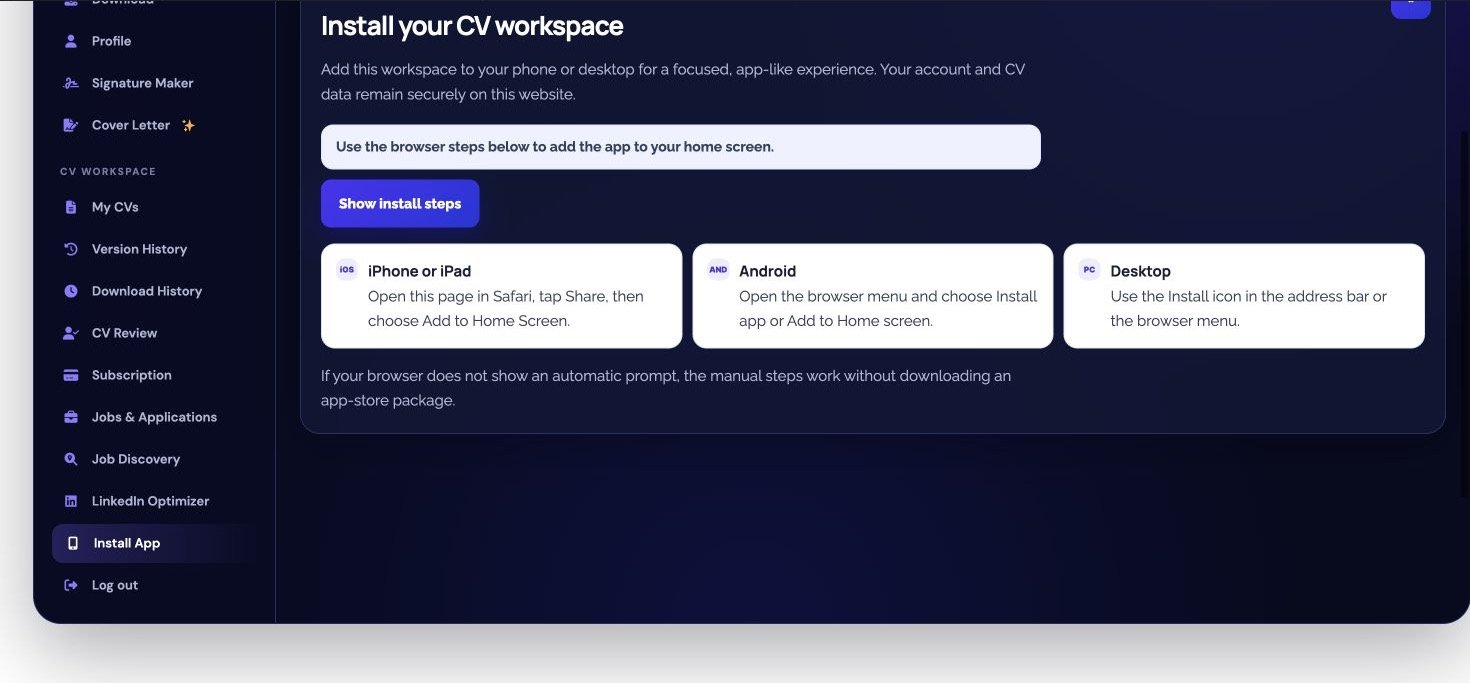
WP CV Builder gives the owner a WordPress administration area and customers a dedicated resume dashboard. Use the actual interface and tutorials to build help instructions for your configuration. The site owner remains responsible for end-user support and for escalating product or infrastructure issues to the appropriate provider.
Common questions
Should I promise round-the-clock support as a solo founder?
Only promise a schedule you can operate. State your response hours and distinguish an acknowledgment from a completed resolution.
What should never be requested in a support chat?
Avoid passwords, full payment credentials and provider API secrets. Collect only the information needed for the specific issue through an appropriate channel.
Product information: current features, plan comparison and documentation. This guide is published by the WP CV Builder product team. Examples and calculations are illustrative unless stated otherwise.