Costs and operations
SaaS Customer Retention: When Resume Users Need Your Platform Again
Plan SaaS customer retention for a resume platform around genuine repeat needs, useful saved work and clear cancellation options.
SaaS customer retention depends on continued value, not just a recurring payment setting. Resume use is often tied to a job-search period, so the platform should respect that lifecycle. Think about when users return, what saved work remains useful and which additional services genuinely support the next task.
Understand the customer’s usage cycle
A user may create several versions during an active search and then need little editing for a while. A coaching client may return between sessions. A learner may use the tool around a course milestone.
These patterns suggest different offers. A short access period, a coaching bundle or an optional review may fit better than assuming every customer wants an indefinite subscription.
Keep useful work easy to find
- Make saved resumes and relevant history understandable.
- Show how to prepare a version for a different role.
- Keep plan limits and export conditions visible.
- Provide clear help when a user returns after time away.
- Do not lose the user’s place after an unsuccessful AI request.
Customer retention strategies should remove friction from a real task. Extra notifications are not useful if they only repeat a sales message.
Measure SaaS churn with a clear denominator
For an illustrative monthly cohort, suppose 50 customers are active at the start and 10 of those cancel by the end. That cohort’s cancellation rate is 10 divided by 50, or 20%. New customers joining during the month do not belong in that starting cohort.
Define exactly what cancellation means in your system. Canceling auto-renewal, reaching the end of paid access and failing a payment can be different states. Measure them separately when they answer different questions.
Ask why people leave
| Reason | Possible response to investigate |
|---|---|
| Task completed | Offer a clear path to return later |
| Confusing product | Improve onboarding or help content |
| Price mismatch | Clarify value and consider an appropriate access model |
| Technical failure | Reproduce and fix the specific issue |
| Expected human help | Separate software access from the review service |
Do not treat every cancellation as a request for more features.
Make renewal and cancellation straightforward
Explain the billing interval, next charge and what remains available after cancellation. Avoid hiding cancellation behind a difficult support process. Trust is part of subscription retention even when a user chooses to leave.
If you send reminders or career updates, obtain appropriate consent and keep them useful. A returning customer should recognize the service and understand the next step without feeling pressured to stay subscribed when the need has ended.
THE PRODUCT IN THIS GUIDE
Where WP CV Builder fits
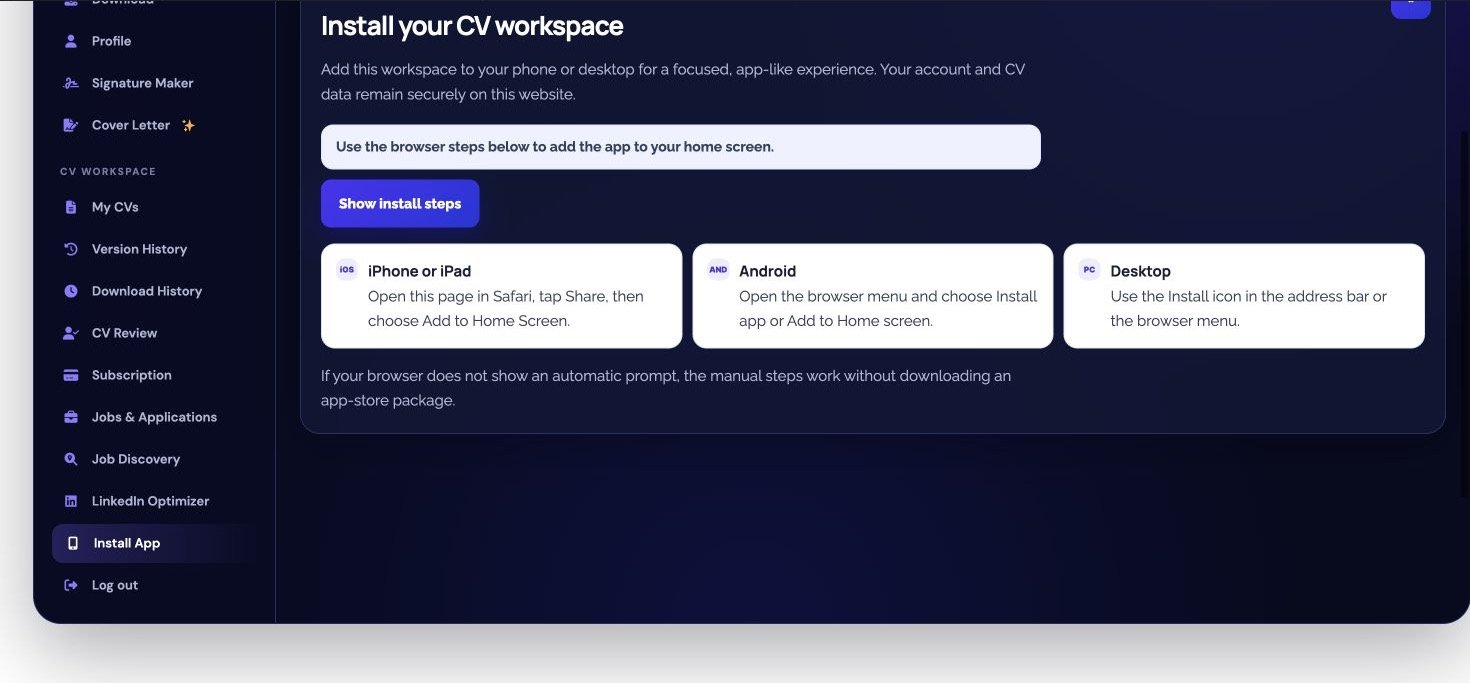
WP CV Builder provides a user dashboard and resume workspace that can support repeat preparation and configured paid access. The owner should test saving, history, plan expiry and the return journey in the actual installation. Use the tools to serve a real repeat need rather than assuming that a subscription creates one.
Common questions
Should I try to retain every user permanently?
No. Some customers complete a short-term task. A clear, positive exit and a useful return path can fit the service better than an unwanted ongoing plan.
Is canceling renewal the same as losing access immediately?
Not necessarily. Check and explain the configured rules for the remaining paid period and the actual expiry state.
Product information: current features, plan comparison and documentation. This guide is published by the WP CV Builder product team. Examples and calculations are illustrative unless stated otherwise.