Industry opportunities
Resume Builder for Schools: Planning a Student Career Portal
Plan a resume builder for schools with clear student onboarding, realistic sample data, access rules and a complete document workflow.
A resume builder for schools should fit the way a career-services team works. Students need a simple starting point, while staff need clear boundaries around support and review. Before selecting software, decide who will use it, who pays for access and what the first successful student session should produce.
Separate the buyer, operator and user
The institution may purchase the platform, career-services staff may operate it and students may use it. Those roles have different needs. The buyer wants a clear scope, the staff need manageable operations and students need understandable instructions.
Resume software for students should not assume an extensive career history. Prepare fictional examples with coursework, internships, part-time work, projects and student activities. Make it clear that examples are starting points, not achievements students should copy as their own.
Map a single student journey
- The student receives a clear explanation of access.
- They register and complete any required verification.
- They choose an appropriate starting design.
- They enter real education, projects and experience.
- They review the document and save progress.
- They export it or request a separately defined staff review.
Observe this journey with someone who did not help set up the site. Staff explanations can unintentionally hide unclear labels or instructions.
Write a requirements checklist for the institution
| Area | Question to confirm |
|---|---|
| Access | Who may create an account and for how long? |
| Review | Who handles requests, and what is the turnaround? |
| Information handling | Which personal details are needed and who can access them? |
| Support | Which questions go to school staff and which to technical support? |
| Integration | Is any required institutional login or system connection actually supported? |
| Exit | What happens when a student graduates or access ends? |
Do not assume that a resume builder for colleges includes institutional single sign-on, cohort reporting or a learning-management integration. Verify each requirement separately.
Run a course-sized pilot
Start with one class or support group that staff can realistically assist. Use a shared exercise: create a resume for a fictional entry-level role using the student’s real facts. Track whether students complete the task and where they ask for help.
For a student career services platform, useful pilot observations include completion, layout readability and review workload. Account counts alone do not show whether students leave with a usable document.
Keep guidance readable on mobile
Students may begin on a phone and finish on a larger screen. Test registration, inputs, saving and document preview at both sizes. Include long course names and realistic project descriptions so the layout is tested beyond a minimal sample.
Use concise instructions for each step and a visible support contact. A technically capable platform still needs guidance appropriate to first-time resume writers.
THE PRODUCT IN THIS GUIDE
Where WP CV Builder fits
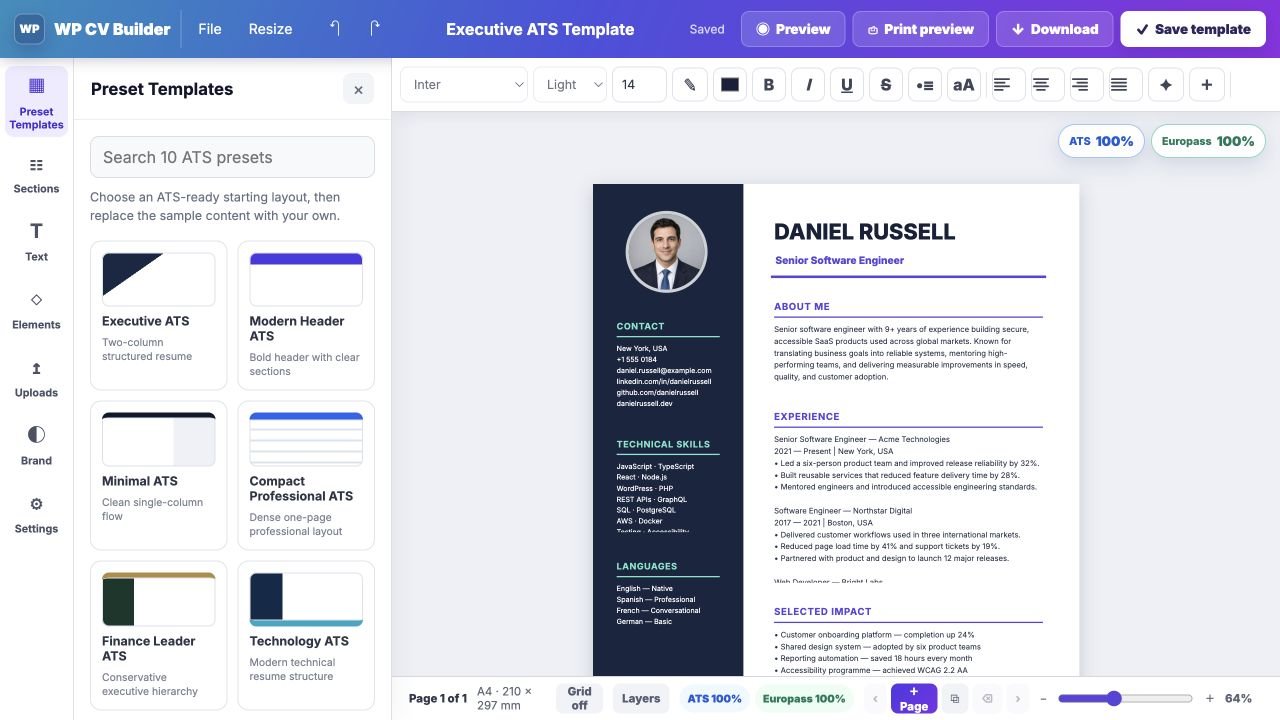
WP CV Builder supplies a visual resume editor and user dashboard on a self-hosted WordPress site. The admin Template Builder plan adds tools for creating presets that can suit student examples. Schools should compare their access, privacy, integration and support requirements against the actual product before adopting it.
Common questions
Can students use AI to invent project results?
No. AI-assisted wording should be based on real work and reviewed by the student. Staff guidance should reinforce accuracy rather than reward impressive-sounding unsupported claims.
Does a single-site plugin license cover any institutional deployment?
It covers the website allowance in the applicable terms. Check the current license and any special deployment requirements before purchase.
Product information: current features, plan comparison and documentation. This guide is published by the WP CV Builder product team. Examples and calculations are illustrative unless stated otherwise.