Business ideas
No-Code Business Ideas: Can a Non-Technical Founder Run Software?
Explore no-code business ideas and learn the operating skills a non-technical founder needs to run a small WordPress software business.
No code business ideas reduce the amount of software you must write. They do not remove the decisions involved in running a business. A non-technical founder can assemble an existing WordPress product into a useful service, provided the founder understands the customer journey and knows when to get technical help.
Separate assembly from invention
If your idea depends on a new matching algorithm or an unusual integration, an existing plugin may not cover it. If the main job is collecting career facts, helping someone edit a resume and offering a paid review, existing tools may cover much more of the workflow.
Write down what must be standard and what must be unique. Your brand, audience, service package and customer support can create a distinct experience without rebuilding every screen. Start a business without coding by choosing a proven workflow, not by assuming every imaginable feature is available.
The skills the owner still needs
| Area | What you should be able to do |
|---|---|
| Website operations | Update plugins, keep backups and recognize a broken page |
| Customer journey | Create an account, use the editor and explain the export process |
| Payments | Understand what a purchase unlocks and how renewals work |
| Support | Reproduce a problem and collect useful information |
| Marketing | Explain the audience and offer without unrealistic claims |
You do not have to become an expert in all five areas immediately. You do need a plan for covering them before customers depend on the service.
Build a simple operating runbook
For a no code SaaS, document tasks in the order you would actually perform them. Keep a checklist for the first setup, a second for weekly maintenance and a third for handling a payment or export problem.
- Configure your brand and the pages the customer will use.
- Create a test customer with fictional career information.
- Complete the free experience and identify its limits.
- Test the intended paid access without making an accidental real charge.
- Check emails, account recovery and support contact details.
- Keep a backup and an escalation contact before changing production settings.
Know when no-code is no longer enough
Ask for help when a requirement involves security, private-data access, custom payment behavior or a feature the product does not document. A visual interface cannot make an unsupported integration safe or reliable.
No code startup ideas are easiest to evaluate with a complete demo. Watch both sides: what a customer does and what the administrator must configure. If the admin workflow feels manageable and the product covers your essential requirements, run a small pilot before commissioning custom work.
THE PRODUCT IN THIS GUIDE
Where WP CV Builder fits
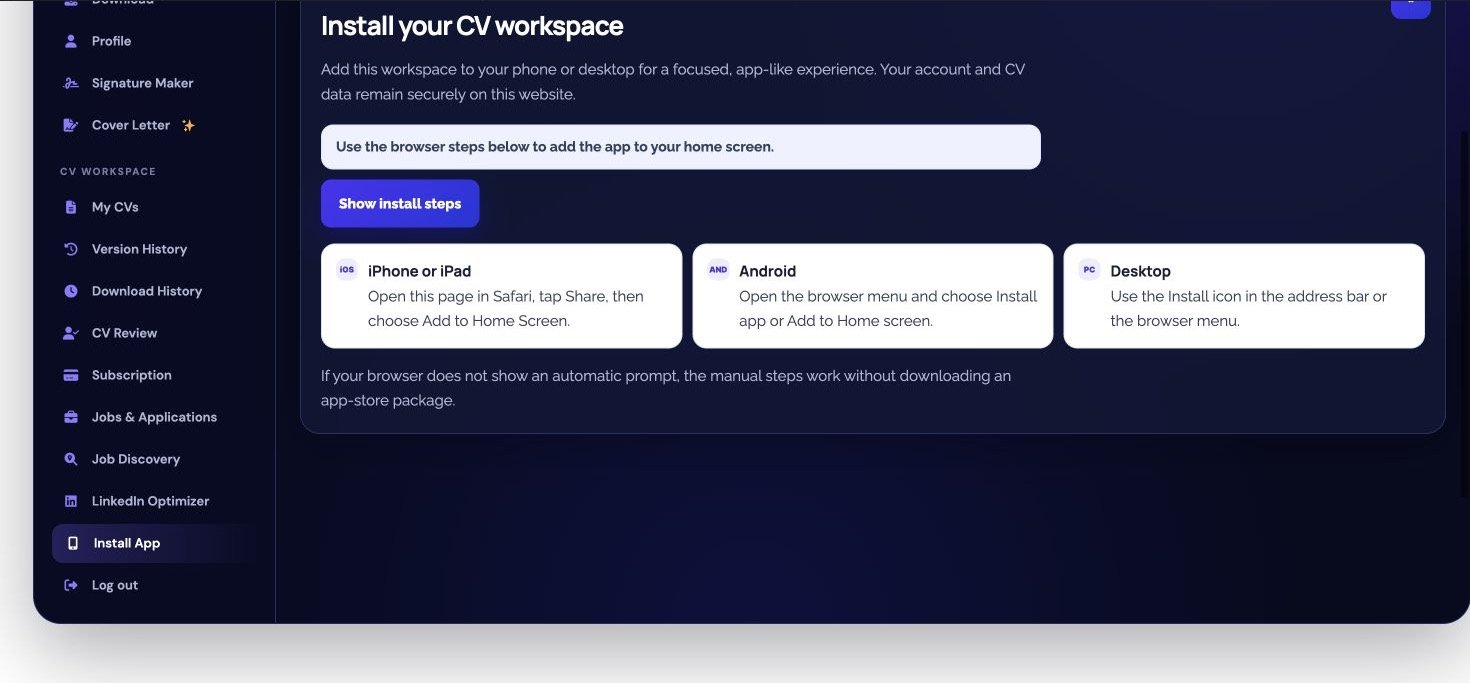
WP CV Builder provides a visual customer editor and a WordPress admin interface for running the platform. Its full admin tutorial shows installation, settings, subscriptions and templates. The core product works through WordPress blocks and shortcodes; Elementor is optional. It is a plugin you install on your own WordPress site, so hosting and maintenance remain part of your operating plan.
Watch the real workflow

Common questions
Does no-code mean no technical responsibility?
No. You still need backups, updates, access management and a way to resolve failures. A supported plugin reduces custom development; it does not take ownership of your website.
Should I hire a developer before validating the idea?
Start with the available demo and a written requirements list. Hire for a confirmed gap rather than commissioning a large build before you understand the audience.
Product information: current features, plan comparison and documentation. This guide is published by the WP CV Builder product team. Examples and calculations are illustrative unless stated otherwise.