
Industry opportunities
Career Coaching Software: Adding a Self-Service Resume Portal
Evaluate career coaching software for resume preparation, distinguish it from a coaching CRM and plan a self-service client portal.
Career coaching software can mean several different products: scheduling, a client CRM, lesson delivery or career-document preparation. Start by naming the part of your coaching workflow that needs help. If clients arrive with incomplete career information, a self-service resume portal may be useful alongside the tools you already use.
Find the repeated preparation task
Look at the time before an appointment. Do you repeatedly ask for dates, responsibilities and target roles? Do clients send multiple document versions through different channels? Is the first session spent reconstructing basic facts?
Software for career coaches is useful when it reduces a specific problem without creating another disconnected system. A resume workspace may help clients prepare a draft, while scheduling and video calls remain in your existing tools.
Define what the portal does and does not do
| Workflow step | Portal role | Coach role |
|---|---|---|
| Career facts | Provide a place to organize the draft | Ask questions where facts are unclear |
| Wording | Offer editing and configured assistance | Review relevance and accuracy |
| Review request | Support the configured request journey | Deliver the promised professional feedback |
| Career decisions | Keep useful preparation available | Provide the actual coaching service |
Do not describe a resume platform as an all-in-one coaching CRM unless it actually covers those additional requirements.
Use a before-session checklist
- Ask the client to identify one target role.
- Have them gather accurate career dates and responsibilities.
- Explain how to create and save a draft.
- Ask them to flag uncertain claims rather than guess.
- Review the draft before or during the agreed session.
- End with a short list of edits and next actions.
A career coaching client portal should make the next action obvious. Long instructions and a large menu of optional tools can overwhelm a client who only needs to prepare one document.
Plan for the client who needs more help
Some clients will struggle with the technology or the underlying writing task. Provide an alternative support route and state whether hands-on help is included. Do not let a self-service requirement become an unexplained barrier to the coaching package.
Use fictional information in training videos and avoid exposing real client documents in screenshots. Keep access and retention decisions aligned with the way you handle client information in the rest of your service.
Measure whether the portal helps
Compare preparation time, the completeness of client drafts and the questions you answer. Ask clients whether the workspace made the session easier to use. These observations help you decide whether resume tools for career coaches justify the added operations.
Start with a small group and a single package. Add AI or other tools after the basic preparation process works.
THE PRODUCT IN THIS GUIDE
Where WP CV Builder fits
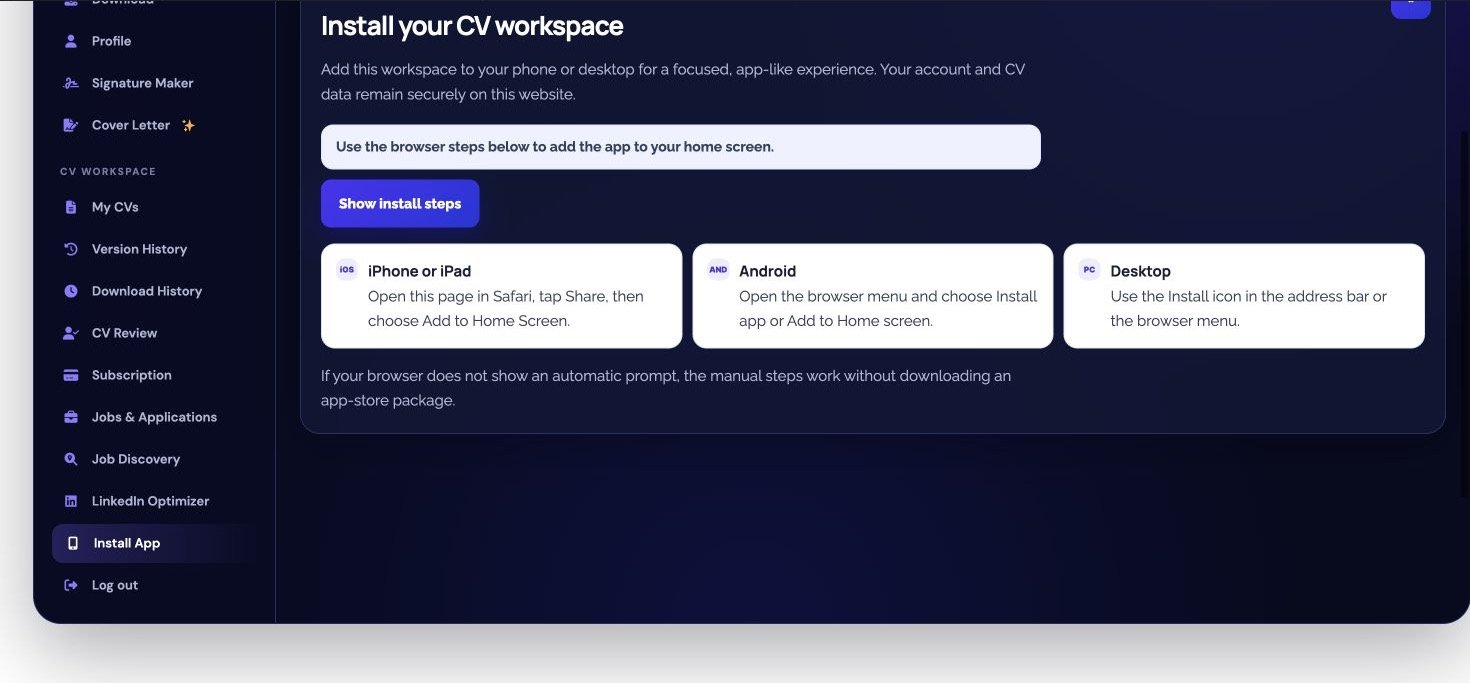
WP CV Builder can act as the resume-preparation workspace within a coaching service. It provides a visual editor, user dashboard and configured career tools, with manual-review options for a defined human service. It is installed on your WordPress site; confirm any scheduling, CRM or other integrations separately.
Watch the real workflow

Common questions
Will it replace my coaching platform?
Not necessarily. Evaluate the exact job you need it to do. A resume workspace can complement scheduling and coaching tools rather than replace them.
Should portal access be bundled into coaching?
Either a bundle or a separate offer can work if the scope and access period are clear. Test the model against real client expectations and your operating costs.
Product information: current features, plan comparison and documentation. This guide is published by the WP CV Builder product team. Examples and calculations are illustrative unless stated otherwise.