
 Watch complete guide
CUSTOMER MASTERCLASS
Complete WP CV Builder Customer Guide
Registration, CV creation, ATS guidance, subscription, downloads, manual review and job application in one complete walkthrough.
Follow the complete customer and administrator journeys, or open any focused tutorial for the exact feature you need.
Watch complete guideRegistration, CV creation, ATS guidance, subscription, downloads, manual review and job application in one complete walkthrough.
 Watch complete guide
Pages, security, templates, payments, AI, emails, employers, jobs, CV reviews and launch QA in one complete walkthrough.
Open any chapter directly on the official WP CV Builder YouTube channel.
 U01Customer
Create a secure customer account, verify the email address and enter the front-end workspace.
Watch tutorial U02Customer
Explore CVs, subscriptions, downloads, services and account tools from one dashboard.
Watch tutorial U03Customer
Choose an ATS-friendly design and start a new CV from the front-end experience.
Watch tutorial U04Customer
Edit profile content, sections, layout and styling while the CV updates live.
Watch tutorial U05Customer
Use live readiness guidance and AI-assisted writing to strengthen CV content.
Watch tutorial U06Customer
Import supported files or LinkedIn export data and review populated fields.
Watch tutorial U07Customer
Check the selected design and download a clean, professional PDF.
Watch tutorial U08Customer
Choose a plan, complete checkout and confirm access to paid CV features.
Watch tutorial U09Customer
Pay for a human CV review and follow its status from the customer workspace.
Watch tutorial U10Customer
Browse jobs, open vacancy details and apply with the right saved CV.
Watch tutorial U11Customer
Manage multiple CVs, restore versions, review downloads and copy cover letters.
Watch tutorial A01Administrator
Install the platform components and verify the initial WordPress configuration.
Watch tutorial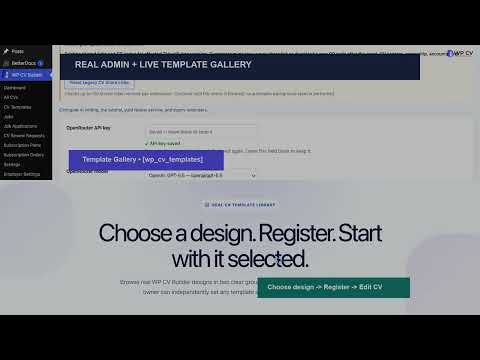 A02Administrator
Connect registration, login, dashboard, editor, job and employer pages.
Watch tutorial A03Administrator
Configure verification, Turnstile, honeypot, rate limits, timing and checkout protection.
Watch tutorial A04Administrator
Give selected custom roles CV access while preserving secure front-end workflows.
Watch tutorial A05Administrator
Control previews, Free or Pro access and the separately licensed builder workflow.
Watch tutorial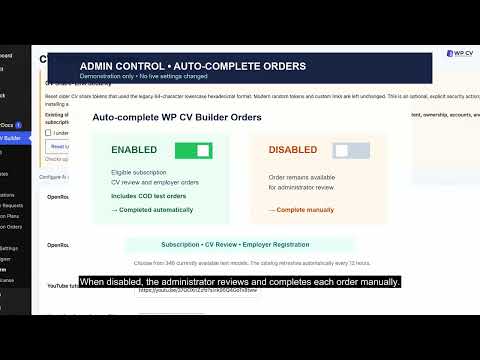 A06Administrator
Create plans, test checkout and control automatic WooCommerce order completion.
Watch tutorial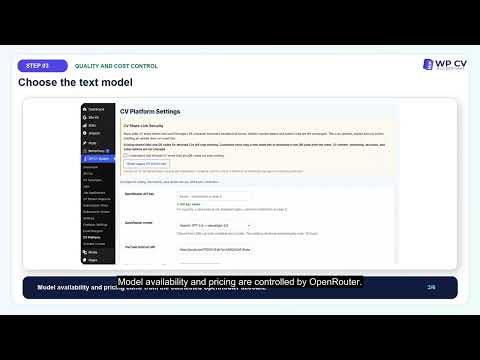 A07Administrator
Save the API connection, select a model and test AI-assisted writing features.
Watch tutorial A08Administrator
Customize branded emails, upload a logo, send tests and confirm delivery.
Watch tutorial A09Administrator
Set free or paid employer access and enable front-end job management.
Watch tutorial A10Administrator
Review applications, status notifications and employer access boundaries.
Watch tutorial A11Administrator
Open the correct CV, complete the review and notify the customer when ready.
Watch tutorial A12Administrator
Verify security, payments, email, templates, exports, mobile, employers and jobs.
Watch tutorial