Launch and growth
How to Validate a Business Idea Before Buying Software
Learn how to validate a business idea using customer interviews, an honest demo, a small pilot and clear decisions before buying software.
If you want to know how to validate a business idea, start by testing a customer problem rather than defending a product you already want to build. The aim is to learn whether a specific audience understands the offer, can complete the task and has a reason to pay for the proposed result.
Step 1: Write a narrow problem statement
Use a sentence such as: “Career changers in our community struggle to turn experience from different roles into a clear resume.” Then separate the observed problem from your proposed solution. The problem might require better guidance, personal review or a simpler editing tool.
Avoid starting with “People need my platform.” That statement hides the job the customer is trying to complete and makes business idea validation harder to interpret.
Step 2: Ask about recent behavior
Use customer discovery questions that invite examples:
- When did you last update your resume?
- What did you use, and where did you get stuck?
- Did you ask or pay anyone for help?
- What happened when you submitted the result?
- Which part would you most like to improve next time?
A description of recent behavior is more useful than asking whether a person likes your idea. Do not invent interview findings or turn polite interest into evidence of a purchase.
Step 3: Show the smallest honest demonstration
Create a fictional resume, a short screen recording and a plain description of the service. Show what works today. If a step is manual, say so. If the AI provider is not configured, do not imply that live AI output is available.
To validate a SaaS idea, watch whether a tester can understand the first action, finish the main task and explain what a paid upgrade includes. A long explanation from the founder can hide a confusing interface.
Step 4: Run a bounded pilot
Choose a small group you can support. Define the pilot duration, access rules, price if any and feedback process. If you take payment, make the promised deliverable and refund or cancellation terms clear.
| What to record | Why it matters |
|---|---|
| Task completion | Shows whether the workflow is usable |
| Time per customer | Reveals delivery and support effort |
| Actual costs | Separates a working demo from an affordable service |
| Payment or stated objection | Helps assess the offer and price |
| Requested improvements | Shows what to change before adding features |
Step 5: Make a decision from the evidence
Before the pilot, decide what would justify continuing. For example, you might require a complete customer journey, a manageable support workload and a clear group of people who want another trial. Those are proposed decision rules, not universal industry benchmarks.
Continue when the problem and delivery fit. Revise when customers want a different outcome. Stop when the solution adds complexity without enough value. Validation is useful even when it tells you not to buy more software.
THE PRODUCT IN THIS GUIDE
Where WP CV Builder fits
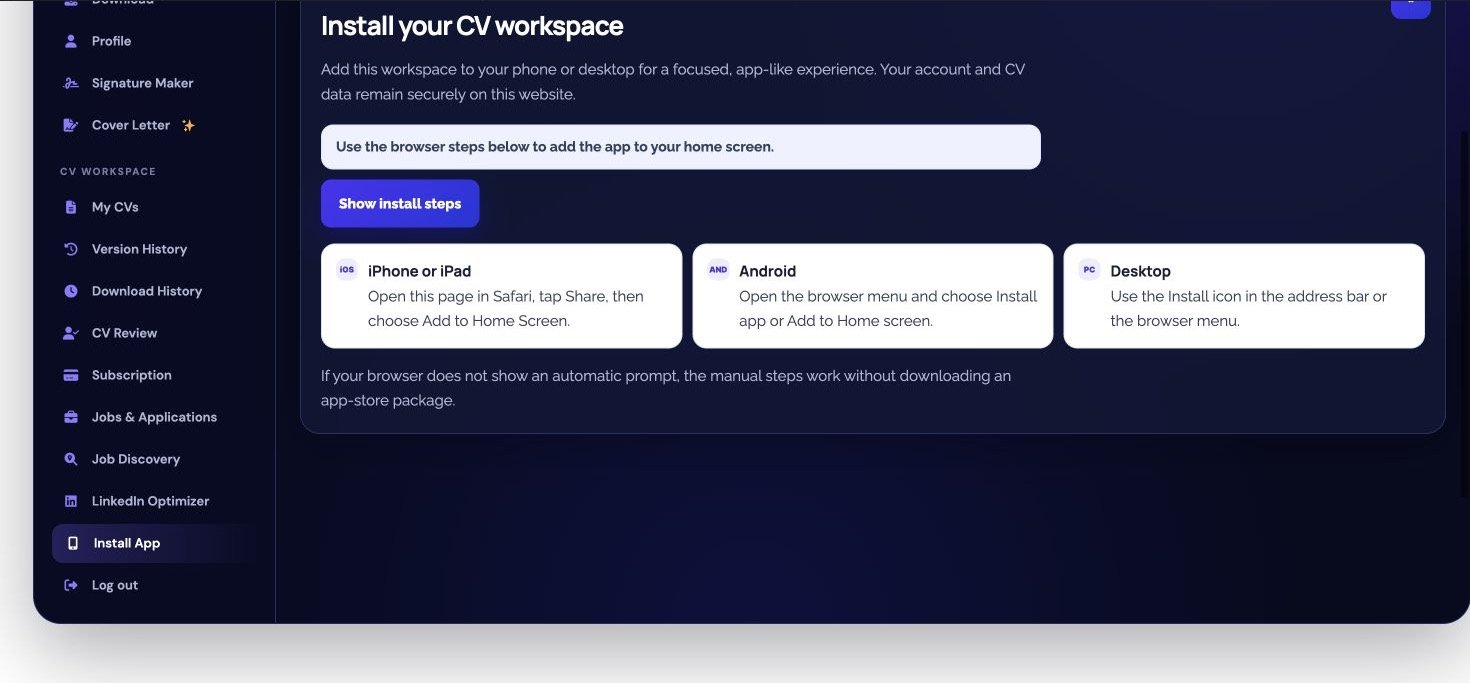
Use WP CV Builder’s live customer and admin demonstrations to test whether the existing workflow fits your idea before purchasing. The plugin can support a resume platform, but your interviews and pilot must establish the audience, offer and operating economics. Keep the first launch limited to the features you can explain and support.
Common questions
How many interviews prove demand?
There is no universal number that proves a market. Look for repeated specific behavior, test the actual workflow and distinguish interest from completed transactions.
Can keyword volume validate the business?
It can indicate searches for a topic. It does not prove that those searchers want your offer, will find your site or will become paying customers.
Product information: current features, plan comparison and documentation. This guide is published by the WP CV Builder product team. Examples and calculations are illustrative unless stated otherwise.